Presenter Hub
Important Presenter Dates
April 2, 2026 (Thurs) 3:00-3:30 CT | Presenter Hub Meeting
April 9th, 2026 (Thurs) | PowerPoints Due (Submit Outlines)
April 9th, 2026 (Thurs) | 10 Questions Due (Submit Questions)
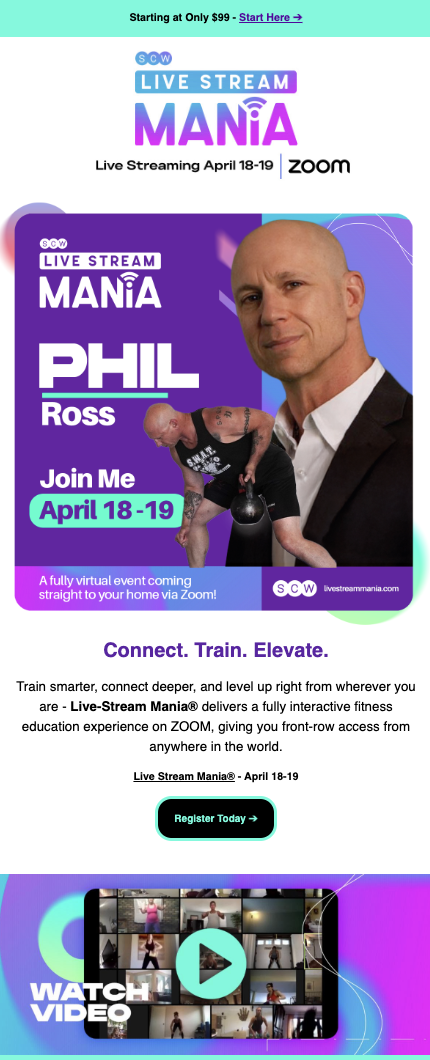
April 17th, 2026 (Fri) | Live-Stream MANIA® Certifications
April 18-19th, 2026 (Sat-Sun) | Live-Stream MANIA® Certifications
Communications & Session Login
SCW will send reminders one week before, one day before, and the morning of your sessions.
EXAMPLE:
Saturday, March 19th
- Session Title: Aging Without Limits
- Session Time: 12:30 PM – 1:30 PM ET
- Presenter Arrival Time: 12:15 PM ET (Check sound/video 15 minutes prior to start)
- Join Link: https://us02web.zoom.us
- SCW Staff Contact: Dan Fox dan.fox@scwfit.com 724-419-7000
* Cell phone #
Session Title
Session Time
Login Time
Session Zoom Link
SCW Room Monitor’s
Social Media & Email
Session Social Media Post
Certification Social Media Post
Testimonials
Boost your session attendance with a quick testimonial announcing you'll be there!
• Introduce yourself – Name, Job Title
• Mention the specific Month and Day(s) of the event
• Provide the session title(s) date and time
• Provide a very brief description
• Include the conference website and spell it out
• Keep the testimonial video 30 seconds
• Let your personality shine!
Testimonial videos can be texted directly to Dan Fox at 724-419-7000
Session Outlines
Download branded presenter slides for your presentations
Help Fill Your Session: Submit Your PowerPoints!
Our attendees rely on PowerPoints to decide which presentations to attend. To help maximize attendance and fulfill the requirements of your presenter agreement, please submit your outline as soon as possible. Please make sure your PowerPoint matches your session title.
CEC Questions
To offer CECs/CEUs for your session, please follow these instructions:
- Write 10 multiple choice questions based on your presentation content.
- Keep questions very easy and practical for the average instructor.
- Provide 4 answer choices (a, b, c, d) per question.
- Randomize the order of correct answers.
- Highlight the correct answer for SCW’s review.
- Keep all answers similar in length and format.
- Use tools like ChatGPT and Gemini.
- Submit your questions at your earliest convenience
(while still fresh in your mind).
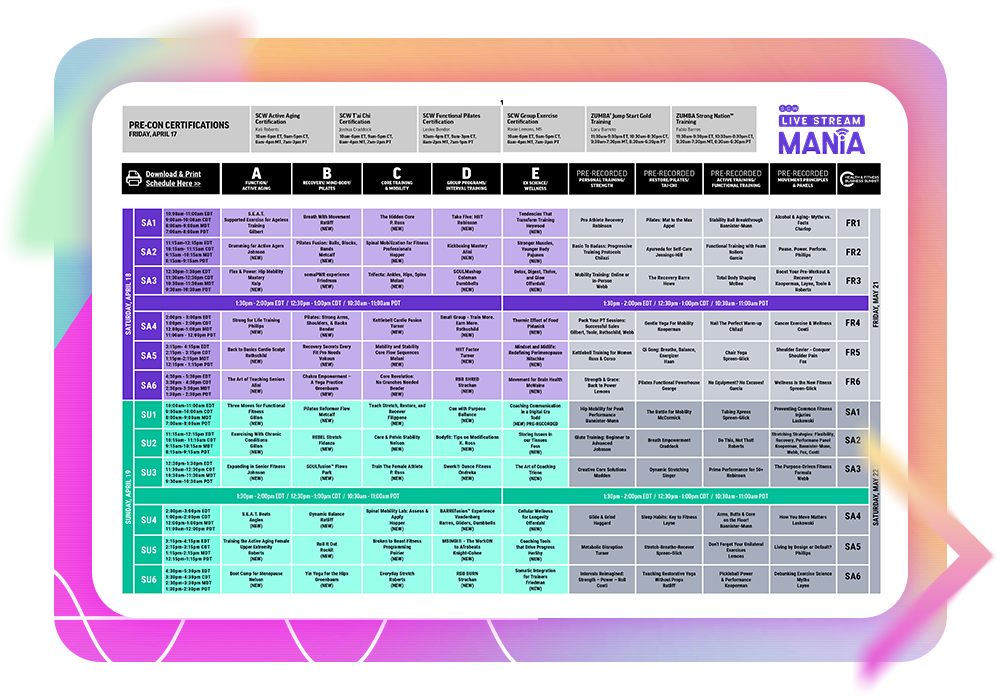
Schedule
Promotional Video
Live Stream Mania® Promo Video
Share this video: https://youtube.com/shorts/3u2LV8Pjo4M?feature=share
Share this video https://vimeo.com/1164710793?share=copy&fl=sv&fe=ci
Pre-Presentation Checklist
- Update Zoom www.zoom.com
- Position yourself close to Wi-Fi source or hard wire your connection
- Limit devices on your network (tvs, computers, ipads, cell phones)
- Fully charge, restart, update and plug in your computer & cell phone
- Have a backup should the computer die – Get your phone ready
- If you are using the microphone on your computer turn off bluetooth connectivity to any other device
- Limit background noises
- Connect camera and mic & test the day before
- Record one-minute trial run & review video and audio quality
- For questions how to use zoom contact tech@scwfit.com
- For day-before issues contact SCW 9am-5pm (Dan 724-419-7000)
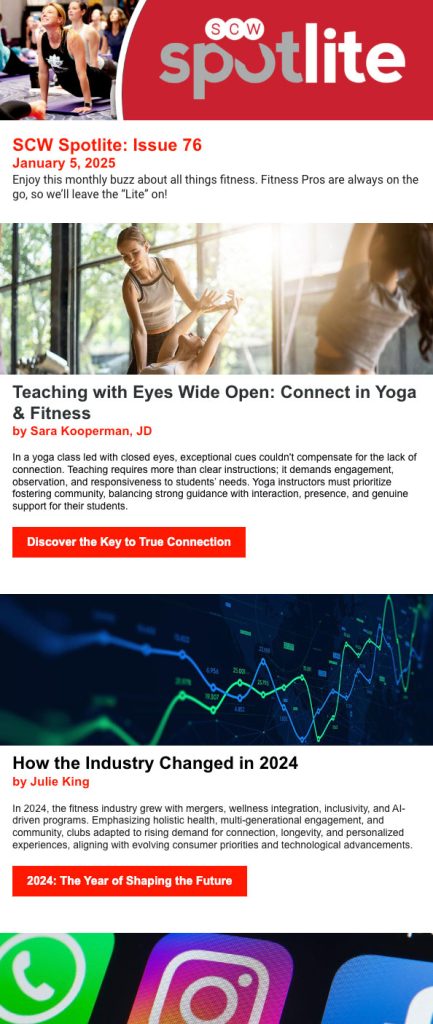
Spotlite Newsletter Articles
Boost your brand visibility and amplify your voice — write for our newsletters!
Our readers are fitness professionals, health club operators, industry suppliers, and fitness consumers, men & women, between the ages of 20-70
Articles are typically 700-1000 words and we are happy to republish an article that you have previously published. As the author, we love to include your photo, bio, social media handles and website links to make sure you receive full credit. Happy writing!
SCW is looking for passionate fit pros to write for us on:

• Fitness & Wellness trends
• Programming
• Nutrition
• Healthy Living
• Interviews
• Fitness Successes